Understanding Clocks in Software Development; Types, Use Cases, and Best Practices
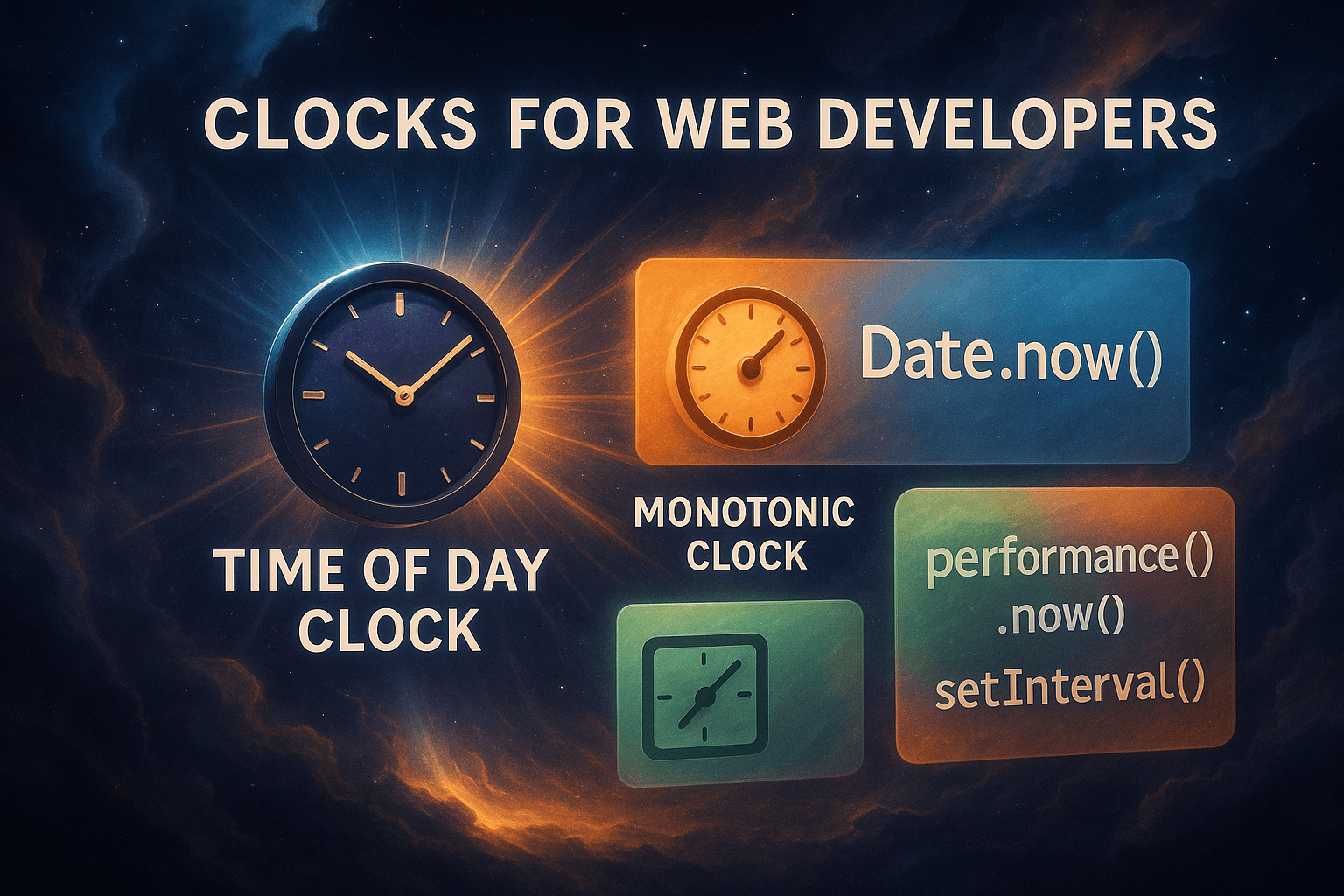
Timekeeping is a fundamental aspect of software systems, yet choosing the right type of clock can make the difference between reliable performance and subtle, hard-to-debug issues. In this article, we'll explore the two primary types of clocks, wall-clock (time-of-day) and monotonic clocks, their use cases in software development, and why selecting the appropriate clock is crucial for accuracy, performance, and system robustness. We'll include practical code examples in Python, Java, JavaScript, and Dart to demonstrate their usage.
1. Types of Clocks in Computing
A. Wall-Clock Time (Time-of-Day Clock)
The wall-clock time (also called real-time or CLOCK_REALTIME in POSIX systems) represents the current date and time as humans perceive it, synchronized with standards like UTC.
Key Characteristics:
- Tracks absolute time (e.g., 2025-05-23 14:30:00 UTC).
- Can be adjusted by NTP (Network Time Protocol), manual changes, or leap seconds, leading to time jumps (forward or backward).
- Used for logging, scheduling, and user-facing timestamps.
Example Use Cases:
- Event Logging: Recording when an error occurred (2025-05-23 10:15:30.123Z).
- Scheduled Jobs: Running a backup at midnight or sending a daily email digest.
- Session Expiry: Checking if a user's login session has expired based on the current time.
Code Examples:
Python:
import time
from datetime import datetime

# Get current wall-clock time
current_time = time.time() # Seconds since Unix epoch (1970)
print("Current time (Unix timestamp):", current_time)
print("Human-readable time:", datetime.fromtimestamp(current_time))
Java:
public class Main {
public static void main(String[] args) {
// Wall-clock time (affected by NTP adjustments)
long currentTime = System.currentTimeMillis();
System.out.println("Current time (ms since epoch): " + currentTime);

// get the current date and time
String currentDateTime = java.time.LocalDateTime.now().toString();
System.out.println("Current Date and Time: " + currentDateTime);
}
}
JavaScript:
// Wall-clock time (milliseconds since 1970)
const now = Date.now();
console.log(`Current time (ms): ${now}`);
console.log(new Date(now).toISOString()); // Human-readable format
Dart:
void main() {
// Wall-clock time
final now = DateTime.now();
print("Current time: $now"); // Human-readable
print("Milliseconds since epoch: ${now.millisecondsSinceEpoch}");
}
Pitfalls:
- Not suitable for measuring durations, if NTP adjusts the clock mid-measurement, you might get negative or inflated time differences.
- Clock skew in distributed systems, different servers may report slightly different times, causing inconsistencies in logs or transaction ordering.
B. Monotonic Clock
The monotonic clock (e.g., CLOCK_MONOTONIC in Linux) measures elapsed time since an arbitrary point (usually system boot).
Key Characteristics:
- Always increases linearly, unaffected by NTP adjustments or manual time changes.
- Returns an arbitrary value (e.g., nanoseconds since boot), not a human-readable timestamp.
- Ideal for measuring intervals, performance benchmarks, and timeouts.
Example Use Cases:
- Performance Profiling: Measuring how long a function takes to execute (end_time - start_time).
- Timeouts & Retries: Ensuring a network request aborts after 500ms, regardless of system clock changes.
- Game Loops & Animations: Smooth frame rendering without time jumps.
Code Examples:
Python:
Python has two functions for measuring monotonic time.
The first option is "time.monotonic()":
import time

start = time.monotonic() # Arbitrary reference point (nanoseconds)
time.sleep(2) # Simulate work
end = time.monotonic()
elapsed = end - start
print(f"Elapsed time (monotonic): {elapsed:.2f} seconds") # Always accurate
The second option is "time.perf_counter()":
import time

start = time.perf_counter()

# Simulate a task
time.sleep(2.5)

end = time.perf_counter()
duration = end - start

print(f"Elapsed time: {duration:.4f} seconds")
Both time.perf_counter() and time.monotonic() are monotonic clocks, they always move forward and are unaffected by system time changes. But they are optimized for slightly different use cases.
Use time.perf_counter() when:
- You want maximum precision and high-resolution timing
- You're measuring very short durations (like function execution time)
- You're doing performance profiling or benchmarking
- You need sub-millisecond accuracy
Think of this function as a higly precise stopwatch, perfect for profiling.
Use time.monotonic() when:
- You just need a reliable increasing clock
- Precision isn't critical
- You’re measuring timeouts or retries (e.g., for network calls, polling, etc.)
Java:
public class Main {
public static void main(String[] args) throws InterruptedException {
long start = System.nanoTime(); // Monotonic (not tied to real time)
Thread.sleep(2000); // Simulate work
long end = System.nanoTime();
double elapsed = (end - start) / 1_000_000_000.0;
System.out.printf("Elapsed time (monotonic): %.2f seconds\n", elapsed);
}}
JavaScript:
// Monotonic clock (milliseconds, not affected by system time changes)
const start = performance.now();
setTimeout(() => {
const end = performance.now();
console.log(`Elapsed time: ${(end - start).toFixed(2)} ms`);
}, 2000);
Dart:
void main() {
final stopwatch = Stopwatch()..start();
Future.delayed(Duration(seconds: 2), () {
stopwatch.stop();
print("Elapsed time: ${stopwatch.elapsedMilliseconds} ms");
});}
Advantages:
- Guarantees positive durations, no risk of negative time differences.
- Consistent across a single machine, making it reliable for local measurements.
Limitations:
- Not synchronized across machines, useless for distributed system timing.
- Resets on reboot, values are only meaningful within a single system session.
2. Why Choosing the Right Clock Matters
A. Avoiding Subtle Bugs
Negative Time Differences: Using System.currentTimeMillis() (wall-clock) for benchmarking can yield negative values if NTP adjusts the clock backward.
Incorrect Timeouts: A scheduled task using `current_time + delay` may fire too early/late if the system clock changes.
B. Performance & Reliability
- Monotonic clocks are faster; they don't require synchronization with external time servers.
- Critical for real-time systems (e.g., trading platforms, embedded systems) where even microsecond deviations matter.
C. Distributed Systems Challenges
- Wall-clock skew can cause race conditions (e.g., two servers disagree on which event happened first).
- Logical clocks (e.g., Lamport timestamps) are often better for ordering events in distributed systems.
3. Best Practices for Developers
1. Use Monotonic Clocks for Durations
- In Java: Prefer System.nanoTime() over System.currentTimeMillis().
- In Python: Use time.monotonic() instead of time.time().
- In C/Linux: clock_gettime(CLOCK_MONOTONIC, &ts).
2. Use Wall-Clock Time for Human-Readable Timestamps
- Logging, audit trails, and compliance records should use UTC-based timestamps.
3. Handle Clock Skew in Distributed Systems
- Implement hybrid logical clocks or rely on vector clocks for event ordering.
- Never assume clocks are perfectly synchronized across servers.
4. Beware of Suspend/Resume Behavior
- Some systems (e.g., Linux) freeze the monotonic clock during suspend, while others don't, check your OS docs.
5. Real-World Failures Caused by Clock Misuse
- Cloudflare's 2017 Leap Second Bug: Negative time differences due to leap second adjustments crashed DNS servers.
- Financial Trading Errors: A 2ms clock skew between servers can misorder trades, leading to losses.
Conclusion
Choosing the right clock, wall-clock for absolute time, monotonic for intervals, is essential for building reliable software. By understanding their differences and applying best practices, developers can avoid subtle bugs, improve performance, and ensure system correctness.
Key Takeaways:
- Wall-clock (CLOCK_REALTIME) → Human-readable time, logging, scheduling.
- Monotonic clock (CLOCK_MONOTONIC) → Performance benchmarks, timeouts, animations.
- Never mix them up, using the wrong clock can lead to incorrect measurements or system failures.